Somewhat computer inept needing help w/ xp
Posted: Fri May 15, 2009 9:58 pm
Greetings everyone,
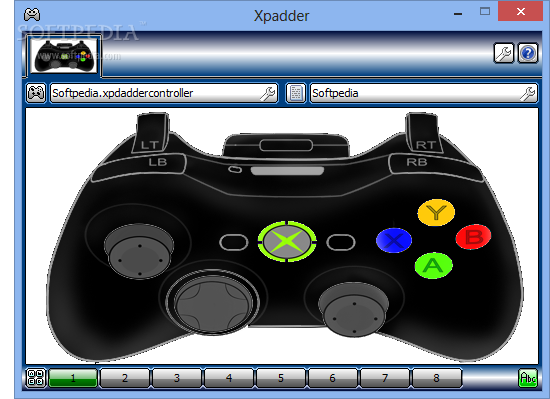
First of all I'd like to thank you all for your cordial welcomings and I'm sure some of you will be able to assist someone so computer illiterate as I to solve the problems I face in trying to enjoy MW2 31st CC for windows 95, on my XP sp1 laptop. Essentially, my problem is that each time I try to customize any mech in any way, the instant I try to exit the Mech lab and actually play, I get the in-game error message of, "Mech exceeds Keshisk Maximum defined Tonnage for Mission". I get this message regardless of how heavy my customized mech is and the customizations I make don't exceed the chassis capacity. Sir MMPD Radick, you indicated there is a means of solving this issue with a .dll, unfortunately, I haven't the foggiest clue what a .dll is therefore, prior to fixing the problem, I would appreciate at least some understanding of what I need. The only other issue I have is regarding a post made by Col. Kell regarding the use of an XBox 360 controller to play, Colonel, I installed the drivers as instructed however, when I go to "control panel"/"game controllers", my 360 controller isn't listed although I receive a message at the lower right corner of my screen indicating it was properly installed. Additionally, further in your instructions, you provided a configuration download to facilitate the use of such a controller and stated that the file would have to be downloaded over the existing input.map file; could you please indicate how this is done when you get a chance, thanks. Any assistance on any of the aforementioned issues would be very much appreciated. I thank you all for your time. JD aka Sejanus
First of all I'd like to thank you all for your cordial welcomings and I'm sure some of you will be able to assist someone so computer illiterate as I to solve the problems I face in trying to enjoy MW2 31st CC for windows 95, on my XP sp1 laptop. Essentially, my problem is that each time I try to customize any mech in any way, the instant I try to exit the Mech lab and actually play, I get the in-game error message of, "Mech exceeds Keshisk Maximum defined Tonnage for Mission". I get this message regardless of how heavy my customized mech is and the customizations I make don't exceed the chassis capacity. Sir MMPD Radick, you indicated there is a means of solving this issue with a .dll, unfortunately, I haven't the foggiest clue what a .dll is therefore, prior to fixing the problem, I would appreciate at least some understanding of what I need. The only other issue I have is regarding a post made by Col. Kell regarding the use of an XBox 360 controller to play, Colonel, I installed the drivers as instructed however, when I go to "control panel"/"game controllers", my 360 controller isn't listed although I receive a message at the lower right corner of my screen indicating it was properly installed. Additionally, further in your instructions, you provided a configuration download to facilitate the use of such a controller and stated that the file would have to be downloaded over the existing input.map file; could you please indicate how this is done when you get a chance, thanks. Any assistance on any of the aforementioned issues would be very much appreciated. I thank you all for your time. JD aka Sejanus
 (its usualy just "Kell")